


Newrro · AMR Engineering Specialization
Build a robotthat drives itself.
136 hours, six stages: from your first circuit to a robot that maps a room and finds its own way. Here is the whole journey in two minutes.
- 136
- hours, hands-on
- 6
- stages
- 0
- experience needed
01 · Electronics · hours 1–22
Open it up.Know every part.
Before you build a robot, you learn what every part does and why it is there.
- Robot anatomy
- Power systems
- Motors and sensors
Tap a part to see what it does and what you learn about it.
01 · Electronics · hours 1–22
Then designits circuit board.
The board that drives the motors is yours. Draw the schematic, place the parts, route the copper and send it off to be made.
- Schematics
- PCB layout
- Fabrication
02 · Mechanics · hours 23–46
Design itin 3D CAD.
Sketch a shape, extrude it into a chassis, add wheels and place the parts. Then press Build to see your design as a finished robot.
- 3D CAD
- Sketch and extrude
- Assemblies
02 · Mechanics · hours 23–46
Turn motioninto maths.
Work out how fast each wheel has to spin to drive straight, curve or turn on the spot.
- Kinematics
- Robot maths
- Control
03 · Embedded · hours 47–66
Teach it tostop on its own.
Program the microcontroller that reads its sensors many times a second, brakes before a collision and steers around it. Then stream its status over IoT.
- Microcontrollers
- Sensors
- IoT
04 · Autonomy · hours 67–96
Now it thinksfor itself.
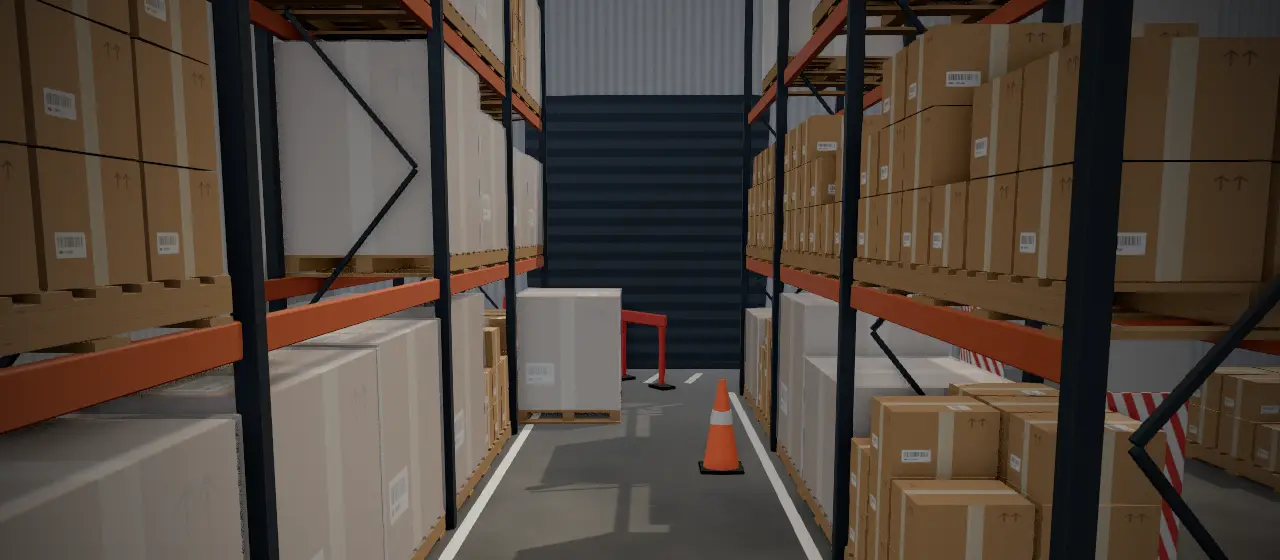
With ROS 2 it maps the warehouse, plans a safe route and drives it. Your turn: zoom out and click anywhere on the floor.
- ROS 2
- Mapping
- Path planning
- Computer vision
05 · Applications · hours 97–116
Then makeit yours.
Same robot, your problem. Pick a real job and design the top module that turns the base into a product.
- Product design
- Integration
- Prototyping
06 · Deployment · hours 117–136
Deploy it inthe real world.
Make it reliable for industrial conditions, deploy it where it is needed, and present your engineering decisions to an expert review panel.
You leave with
- A robot you designed, built and programmed
- A circuit board you laid out yourself
- Autonomous navigation running on real hardware
- A deployed capstone, reviewed by an expert panel
© 2026 Newrro · AMR Engineering Specialization. Every robot and scene here is an original render made for Newrro.